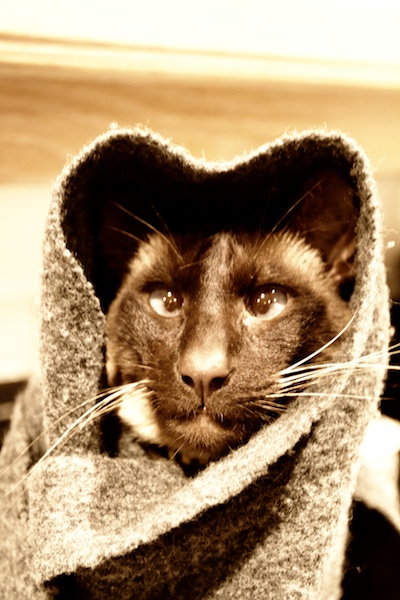
These aren't the whiskers you are looking for
I have absolutely no justification for this picture of Ping – and the internet can survive without yet another cat picture – other than it makes me giggle.
These aren't the whiskers you are looking for
I have absolutely no justification for this picture of Ping – and the internet can survive without yet another cat picture – other than it makes me giggle.
I haven’t been in Sandy in an absolute age. The last couple of times it was very busy, and a smattering of dogs and toddlers isn’t very conducive to bird photography. We had some heavy snow overnight and I thought I’d give it a go. As it was snowing horizontally while I was there it was duly deserted. A couple of new species for me, starting with this fella, which I think is a redpoll:

Redpoll?
For a British bird, it has quite striking colouring. Having grown up in Northern Ireland I am predisposed to expect all wildlife to be brown :). Next up I think is a juvenile goldfinch. Focus is a bit soft but, given the size of the subject matter, this really is on the limit of what my camera and lens can do:

Goldfinch

Siskin

Pheasant
My final offering, a great spotted woodpecker. A *sharp* picture of a woodpecker still eludes me, and this is another one to add to the ‘almost’ collection:

Great Spotted Woodpecker
I wonder if the bloke with the 500mm bazooka had better luck.
Having released my second app a couple of weeks ago and started to play with some of the great tools that Apple provides to analyse download patterns, I’ve had something of an epiphany about my personal interactions with the App Store.
My first iPhone was the 3G, which [roughly] coincided with the opening of the platform to third party developers, and the blossoming of the water-cooler ‘have you seen this app?’ conversations. I assiduously rated everything I downloaded.
Now, with those Wild West days well and truly gone, I don’t rate anything. In fact I can’t remember the last app that I rated.
And guess what? When someone from Mexico downloaded my app on the first day it was released and didn’t rate it, the penny dropped with a thud. What did the person think of it? What did they like? Glaring omissions?
Human nature dictates that most people who bother to review will be at one or other extreme of the normal distribution. While this might average out the scores, a healthy dollop of ‘moderately pleased’ would, I’d argue, help raise visibility. Or to put it another way, the more reviews the better. Provided of course that the app doesn’t suck and get nothing but rubbish reviews, in which case any attempts to raise the profile or visibility won’t count for much either way.
So: rate those apps. The gaming giants and industry juggernauts can power through without you. The smaller fish, and the downright tiddlers, can’t.
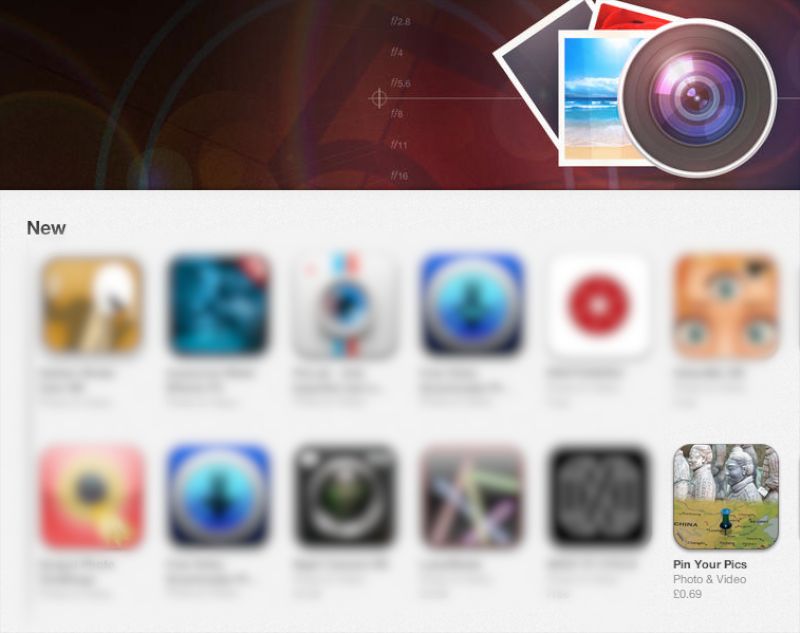
My app on the App Store - new listings in Photo & Video